
 ALEX BROWN
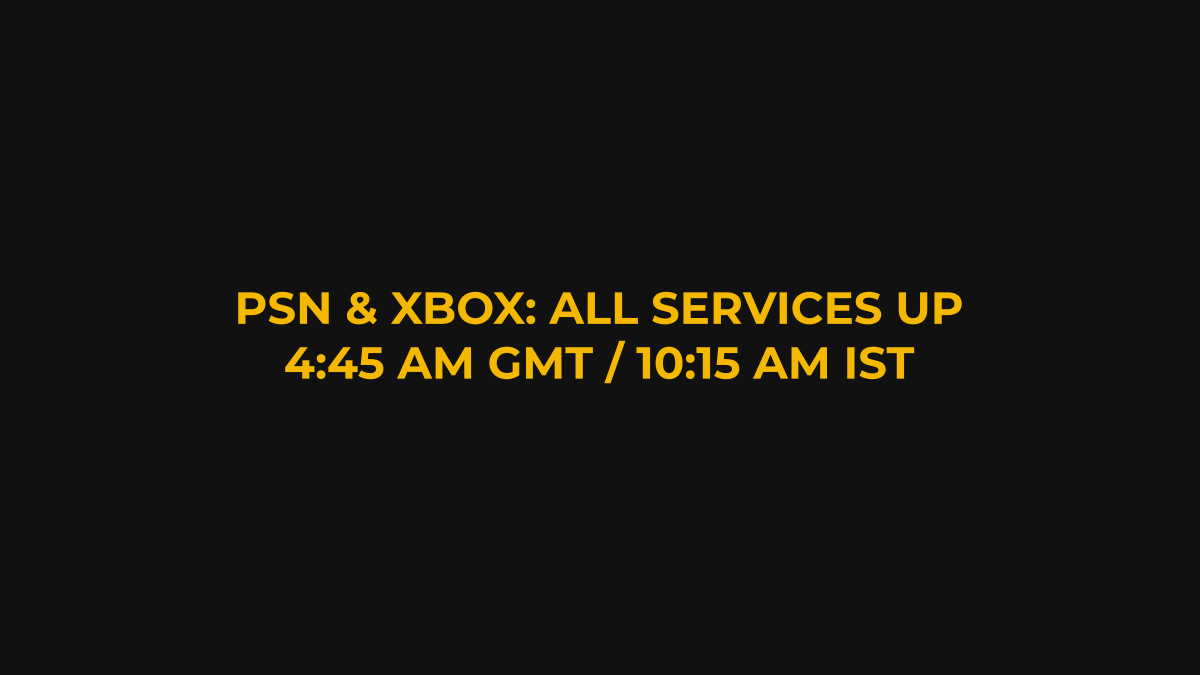
GTA 6 is not down. When we checked at 4:45 AM GMT on November 19, 2026 (10:15 AM IST, 11:45 PM ET and 8:45 PM PT on November 18), the PlayStation status page said all services were up and running, Xbox’s status page reported all services up, and Rockstar Games’ service status page listed every service as operational. If the game still won’t start, the cause is usually on your console, and the fixes below come from PlayStation and Xbox’s own help pages.
Quick facts
- Status at 10:15 AM IST, November 19: PSN, Xbox and Rockstar all reporting normal service
- Only reported launch-window problem: a temporary PSN game-launch issue on November 18, since fixed (GameSpot)
- PS5 needs system software 26.07-14.23.00 to play (VGC)
- Day-one patch: 01.002.001, 602 MB on PS5 (Kotaku)
- US unlock: 12:00 AM ET / 9:00 PM PT / 10:30 AM IST
Is GTA 6 down right now?
No, there was no active outage at our last check. The one problem reported in the launch window came on November 18, when GameSpot said PSN had a temporary outage affecting game launches that was later fixed. Insider Gaming also reported no performance or network issues as the game rolled out from New Zealand.
To check for yourself, use the official pages: PlayStation Status, Xbox Status and Rockstar Service Status. If all three are green, the fault is probably local.
Why does GTA 6 say it’s not available yet?
Because your region hasn’t reached its unlock time. GTA 6 unlocks at midnight local time on November 19, so it opened at 12:00 AM IST in India and 12:00 AM GMT (5:30 AM IST) in the UK. In the US it is scheduled for 12:00 AM ET, which is 9:00 PM PT on November 18 and 10:30 AM IST. See our full time-zone guide.
Why won’t GTA 6 start on PS5?
The most likely reason is a missing system update. Sony’s PlayStation Support account said PS5 system software 26.07-14.23.00 is required to play GTA 6, and VGC reported it is just over 1.2 GB. Install it first, then install the 602 MB game patch, version 01.002.001, if it’s waiting in your downloads (Kotaku).
If the game still won’t launch, PlayStation’s own troubleshooting page lists these steps, in this order:
- If the game sits on USB extended storage, move it to the console’s internal storage.
- Restart the PS5: press the PS button, then Power > Restart PS5.
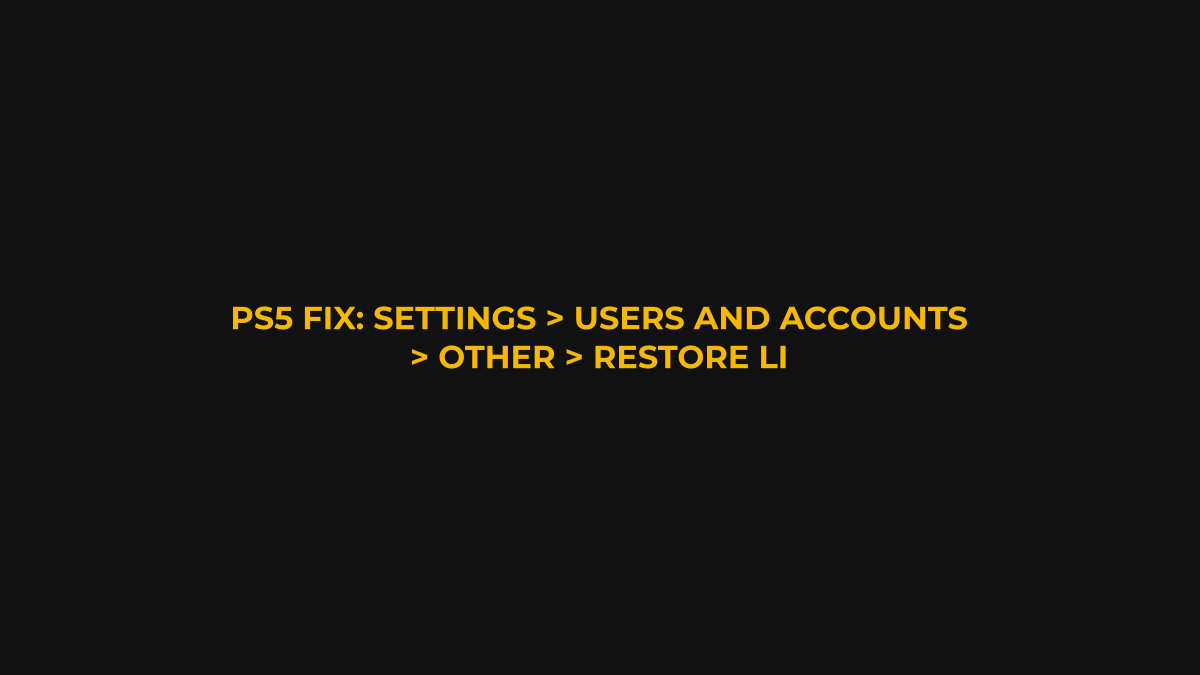
- Restore licenses: Settings > Users and Accounts > Other > Restore Licenses.
- Delete and re-download the game, using a wired connection if you can.
- Confirm the latest system software is installed.
- Use Safe Mode to Clear Cache and Rebuild Database.
Why does GTA 6 kick me out when I’m offline?
It’s a license check, not a Rockstar server problem. GameSpot tested the digital PS5 version offline and found the single-player game runs for about an hour before asking to confirm your license again. PlayStation says turning on Console Sharing and Offline Play lets you play your purchased games when the console is offline. You’ll find it at Settings > Users and Accounts > Other > Console Sharing and Offline Play. On Xbox, Microsoft says your home Xbox lets you play your digital games offline.
Why won’t GTA 6 start on Xbox Series X|S?
Work through Xbox’s official game troubleshooter, which lists these steps in order:
- Check for known issues on the Xbox Status page.
- Restart the game.
- Power cycle your console.
- Test your network connection.
- Try a different profile.
- Remove and re-add your profile.
- Clear the local save and resync with the cloud. Only do this if your progress is already backed up to the cloud.
What if my Rockstar account won’t sign in?
Use Rockstar Support’s Returning Player Resources page, which Rockstar has pinned for GTA VI players. It links to password and email recovery, help with two-step verification, and console update guides. If none of that works, you can submit a request to Rockstar Support, which says it is available 24/7.
FAQ
Was PSN down for GTA 6?
Briefly, on November 18. GameSpot reported a temporary game-launch outage that was fixed, and the PlayStation status page showed all services running at 10:15 AM IST on November 19.
Does GTA 6 need an internet connection?
Not constantly. GameSpot found the digital PS5 version needs to re-verify its license after about an hour offline, unless offline play is set up on your primary console.
Where can I check GTA 6 server status?
Rockstar’s Service Status page at support.rockstargames.com, plus the PlayStation and Xbox status pages.
Get the Nerdism Newsletter
Trailers, box office and gaming news in your inbox. Free, no spam, unsubscribe anytime.
Related on Nerdism
- GTA 6 Launch Live: Everything Happening Now
- GTA 6 Is Out Now: Where It Has Unlocked and When the US Gets It
- GTA 6 File Size and Preload Guide
Sources: PlayStation Status, PlayStation Support (game launch), PlayStation Support (offline play), Xbox Status, Xbox Support, Xbox Support (home Xbox), Rockstar Service Status, Rockstar Support, GameSpot, GameSpot (offline), VGC, Kotaku, Insider Gaming.